MIUI 10
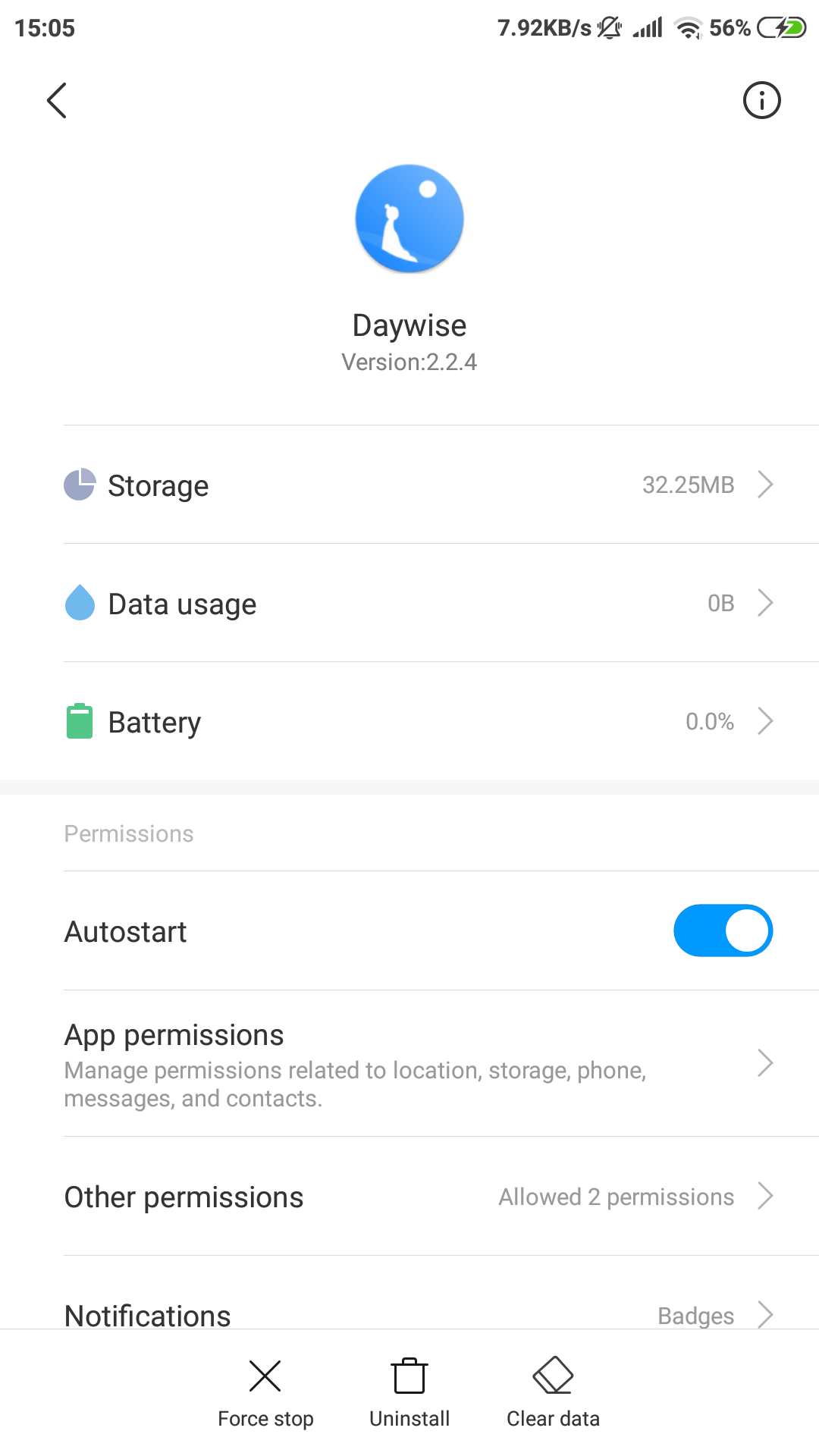
To let Daywise app run successfully in the background, make sure your settings look like the following:

Power management
Please enable:
- Settings > Advanced Settings > Battery manager > Power plan is set to Performance
- Device Settings > Advanced Settings > Battery Manager > Protected apps – Daywise needs to be Protected
- Device Settings > Apps > Daywise > Battery > Power-intensive prompt and Keep running after screen off
- Settings > Additional Settings > Battery & Performance > Manage apps’ battery usage and here:
- Switch Power Saving Modes to Off
- Choose the next options: Saving Power in The Background > Choose apps > Select Daywise > Background Settings > No restrictions
App battery saver
Security > Battery > App Battery Saver > Daywise > No restriction
Autostart
(according to Xiaomi: Open Security app > Permissions > Auto-start Enable Autostart for Daywise.
App pinning
When you open recent apps tray, drag Daywise app downwards – it will be locked. So even if you clear recent apps it will not clear from the background. Drag downwards again to clear Daywise app from the background.